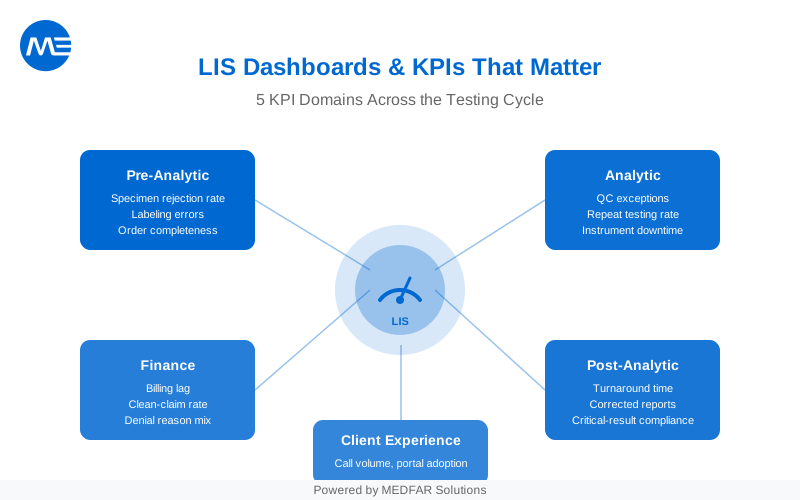
Dashboards are not decoration. They are lab control panels. They show drift before it hurts you. Pick the right KPIs, and your team stops guessing.
Quality Indicators Should Cover the Full Testing Cycle
Start with the testing cycle: pre-examination (order and specimen), examination (analysis), and post-examination (reporting and delivery). A KPI set that covers all three prevents local optimization.
CDC’s Laboratory Quality Management System guidance recommends using indicators that span these phases and reflect both process and patient-care impact (see CDC LQMS).
A simple KPI map most labs can start with:
- Pre-analytic: specimen rejection, labeling errors, order completeness.
- Analytic: QC exceptions, repeat testing rate, instrument downtime impact.
- Post-analytic: turnaround time, corrected reports, critical-result documentation performance.
- Finance: billing lag, denial reasons, rework hours.
- Experience: client call volume, portal adoption, complaint themes.
Keep the first dashboard small. You can expand once the data definitions are stable.
Timeliness Metrics Anchor Service Performance
Turnaround time (TAT) is widely used as a laboratory performance indicator. It is often defined as the time from specimen receipt in the lab to report release, but labs also track upstream and downstream segments to locate delay sources (see Dawande et al., 2022).
Make your TAT definitions explicit before you publish charts. Otherwise, teams argue about the clock instead of fixing the bottleneck.
| TAT Segment | Start | End | Best For |
|---|---|---|---|
| Collection-to-receipt | Collection time | Lab received time | Phlebotomy, courier, accessioning delays |
| Receipt-to-result | Lab received time | Result verified/released | In-lab workflow, analyzer capacity, staffing |
| Order-to-report | Order time | Report delivered/received | End-to-end service for clinics and patients |
| Critical-result TAT | Critical result generated | Clinician notified + documented | Safety and escalation performance |
Published experience suggests interactive dashboards can support TAT improvement when coupled with management action (see Cassim et al., 2020).
Quality and Safety KPIs Show Where Risk Hides
Quality KPIs should point to preventable defects. Track measures that reflect misidentification, rework, and amended reporting.
Use clear definitions. Example: “specimen rejection rate” must state which rejection reasons count, and whether you count by specimen, order, or patient.
| KPI | Definition (Example) | Why It Predicts Risk | Action Lever |
|---|---|---|---|
| Specimen rejection rate | Rejected specimens / total received | Recollections delay care and increase cost | Labeling workflow, collection training, criteria clarity |
| Hemolysis rate (chemistry) | Hemolyzed specimens / chemistry specimens | Pre-analytic quality issue that drives repeats | Collection technique, transport time, tube mix |
| Corrected report rate | Corrected reports / total reports | Signals process drift or interface issues | Result review rules, interface QA, tech coaching |
| Repeat testing rate | Repeated tests / total tests | Shows rework and potential QC issues | Instrument maintenance, QC flags, routing rules |
| Critical-result documentation compliance | Documented notifications / critical results | Safety and audit exposure | Escalation process, call trees, portal alerts |
Avoid vanity metrics. If you can’t name the owner and the next action, it’s not a KPI yet.
Productivity KPIs Separate Volume from Capacity
Productivity KPIs help you see whether growth is sustainable. They also help you justify staffing and automation investments with evidence.
Useful productivity metrics to start with:
- Tests per paid hour (by section): pairs workload with capacity.
- Accessioning throughput per shift: shows intake constraints.
- Autoverification rate (where applicable): indicates rule maturity and review burden.
- Backlog age: oldest unverified result or unreleased report by section.
- Instrument downtime impact: minutes down multiplied by expected volume.
Keep these metrics segmented. Aggregates hide pain in one section behind strength in another.
Financial KPIs Connect Operations to Cash
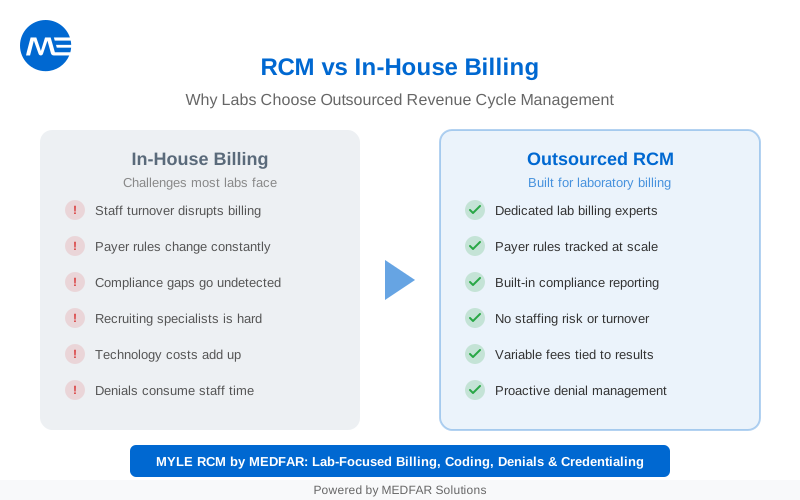
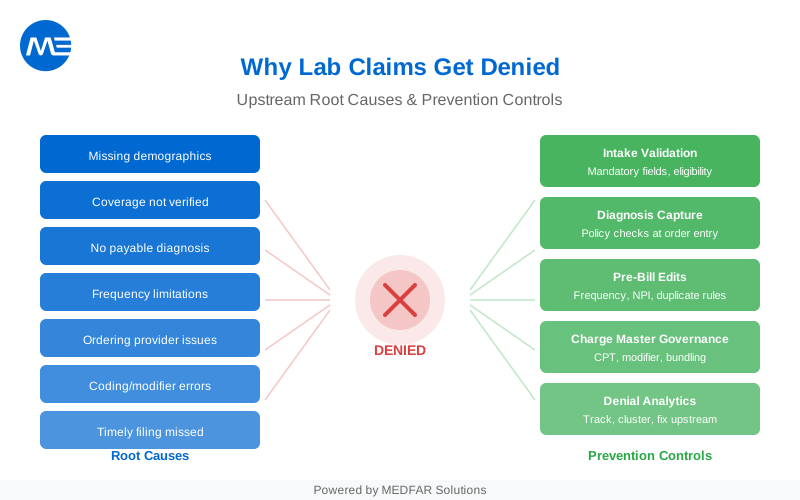
Dashboards work best when they surface revenue friction early: missing order data, billing holds, and denial patterns.
Finance KPIs with upstream levers:
- Billing lag: days from final result to claim submission.
- Clean-claim rate: claims accepted on first submission (define by payer response).
- Denial reason mix: top denial codes by volume and dollars (no guessing).
- Order completeness rate: orders with required demographic and insurance fields.
- Refund and recoupment log: track trends and root causes.
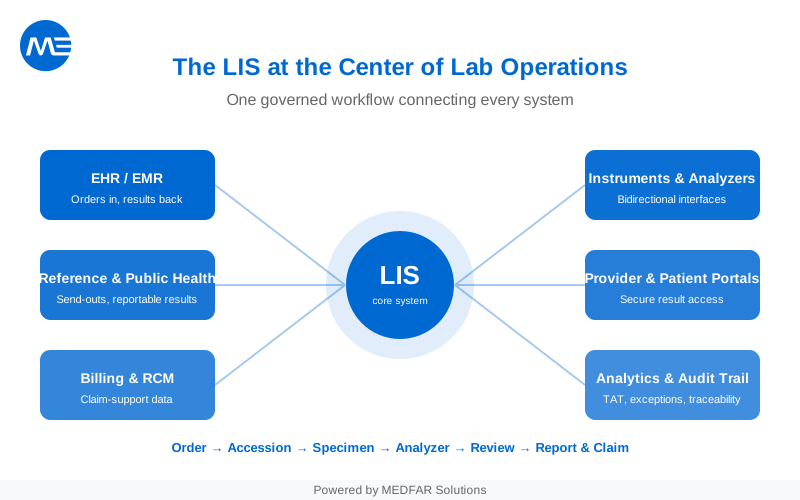
If you want dashboards that tie operations to reimbursement, your LIS and billing workflow must stay aligned. MEDFAR describes its LIS positioning and deployment support here: LABGEN | Laboratory Information System (LIS).
Dashboard Design Needs Definitions, Owners, and Alerting
Dashboards fail for predictable reasons: definitions drift, no one owns action, and alerts are either absent or noisy. Design for behavior, not screenshots.
| Role | Daily View | Weekly View | What Triggers Action |
|---|---|---|---|
| Bench supervisor | Backlog, TAT percentiles, QC exceptions | Rework themes, staffing vs volume | Backlog > threshold or QC spike |
| Lab manager | Section TAT, rejection rate, corrected reports | Trend lines and root-cause summaries | Trend deterioration for 2+ weeks |
| Client services | Late results by client, call volume reasons | Client satisfaction and complaint themes | Repeated late results for same client |
| Billing/RCM | Billing holds, denial reason mix | Appeals outcomes, payer-specific issues | Denial cluster on a test or client |
| Medical director | Critical-result compliance, amendments | Quality and safety dashboard | Any safety KPI out of band |
Decide upfront: who reviews daily, who reviews weekly, and what “fixed” looks like.
Governance Keeps KPIs Trustworthy
Governance is lightweight when you design it early. It becomes heavy only after trust breaks.
A practical governance checklist:
- Define each KPI in a one-page spec (formula, filters, refresh cadence).
- Assign an owner and a backup owner for every KPI.
- Lock the source of truth (LIS, middleware, billing system, or BI layer).
- Version changes to definitions and document the reason for the change.
- Audit dashboard access and data exports when PHI is present.
Once your KPI set is stable, expand to specialty dashboards by department or client type.
FAQ
What’s the “best” KPI set for every lab?
There isn’t one. Start with cycle-wide indicators (pre-, analytic, post-) as described in CDC LQMS guidance, then add KPIs that match your services and clients (see CDC LQMS).
Should we publish targets for TAT and rejection rate?
Yes, but only after you define the metric and validate data quality. Targets should be test- and client-specific, and reviewed as processes change.
Do we need a BI tool, or can the LIS handle dashboards?
Many teams start in the LIS for operational views, then add BI for deeper slicing and cross-system joins. The right answer depends on data sources and governance maturity.
How do we roll dashboards out without overwhelming staff?
Launch one dashboard per role, attach a daily or weekly routine, and keep the first iteration small. Add metrics only when the action loop is working.